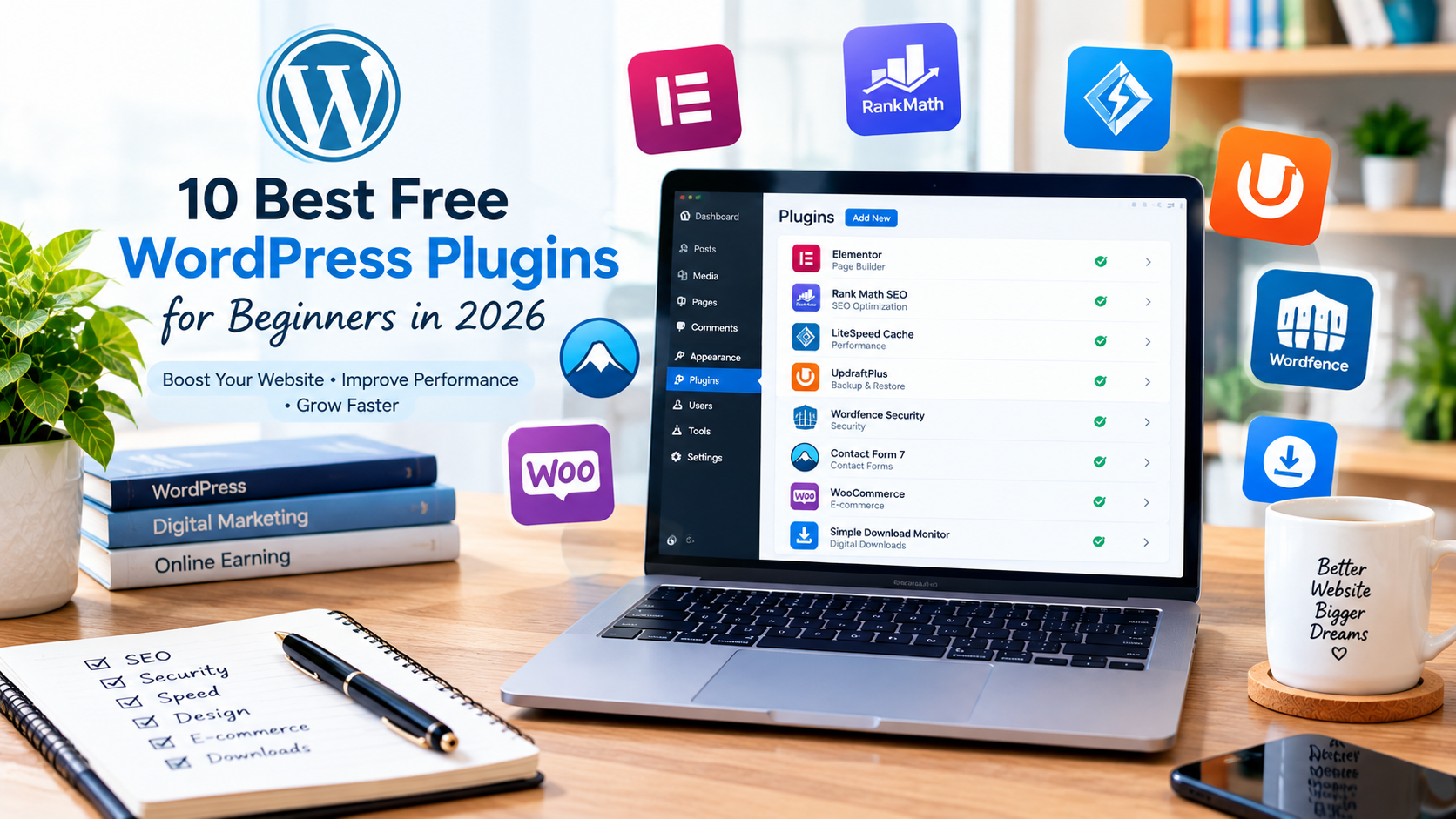
Starting a WordPress website can be easy, but choosing the right plugins can sometimes feel confusing. There are thousands of free WordPress plugins available, and each one provides different features for website owners. The right plugins can help improve SEO, website speed, security, design, backups, and user experience.
For beginners, it is better to install only useful plugins instead of adding too many unnecessary tools. In this guide, we will look at the 10 best free WordPress plugins for beginners in 2026 and explain what each plugin can do.
1. Elementor
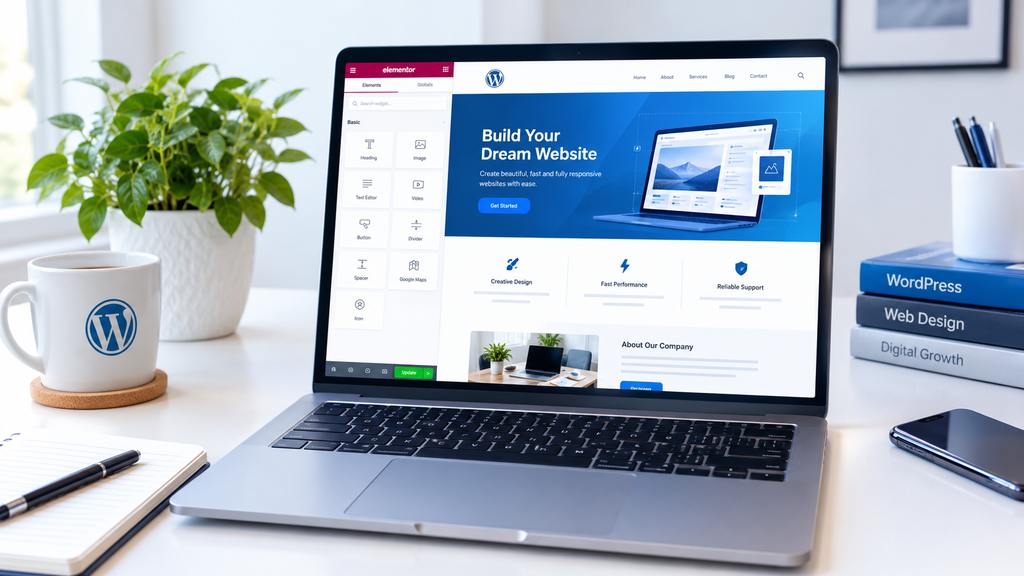
Elementor is a popular WordPress page builder that helps beginners create attractive pages without writing code. It provides a visual drag-and-drop editor, making it easier to design websites.
It can be useful for creating landing pages, service pages, homepages, and other website sections. Elementor currently has more than 10 million active installations according to the WordPress plugin directory.
Best for: Website design and page building.
2. Rank Math SEO
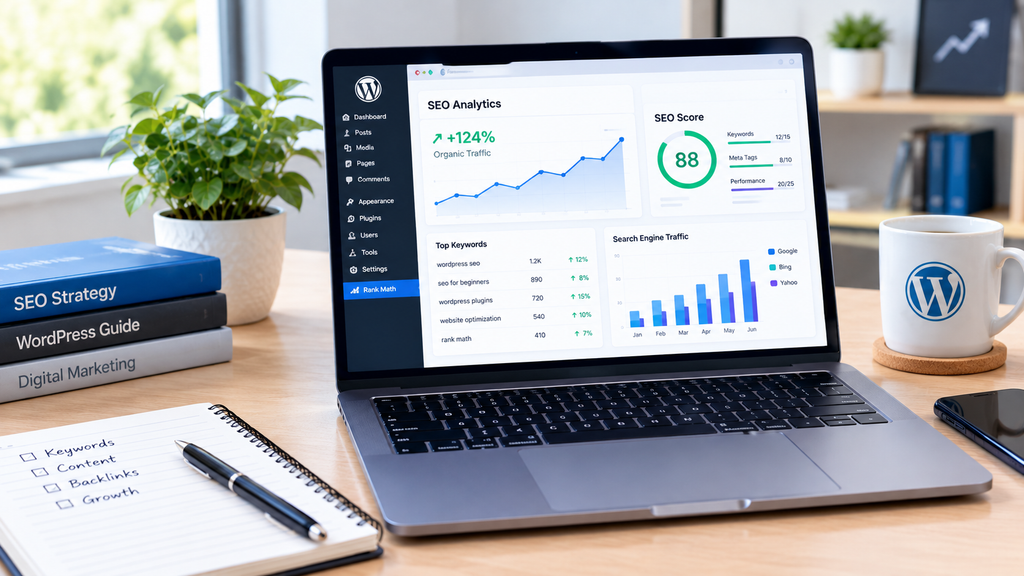
Rank Math SEO is useful for improving the search engine optimization of a WordPress website. It helps users add focus keywords, SEO titles, meta descriptions, sitemaps, and other SEO settings.
For beginners who want to increase organic traffic, an SEO plugin can make important optimization tasks easier.
Best for: SEO and search engine optimization.
3. LiteSpeed Cache
Website speed is important for both visitors and website performance. LiteSpeed Cache provides caching and several optimization features that can help improve WordPress website performance.
It is especially useful when the website is hosted on a compatible LiteSpeed server.
Best for: Website speed and performance.
4. UpdraftPlus
A website can lose important content because of technical problems, mistakes, or other unexpected issues. UpdraftPlus helps WordPress users create backups and restore their website when necessary.
Regular backups are a useful habit for beginners because they provide an extra layer of protection for website content.
Best for: Website backups.
5. Wordfence Security
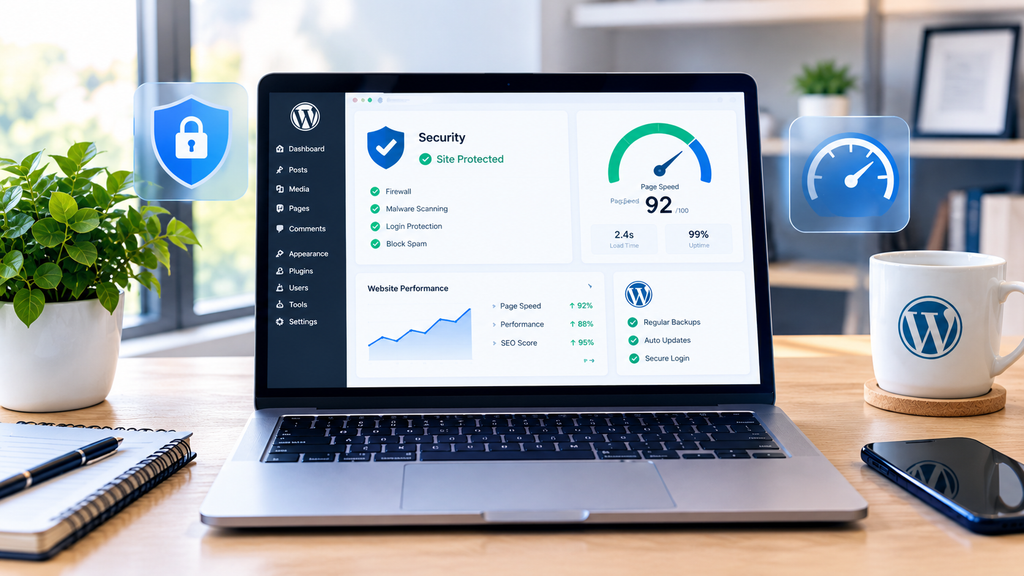
Security should be an important part of managing any WordPress website. Wordfence provides security-related features designed to help protect WordPress websites.
The WordPress plugin directory currently lists Wordfence among its popular plugins, with more than 5 million active installations.
Best for: WordPress security.
6. Contact Form 7
If you want visitors to contact you, a contact form is useful. Contact Form 7 is a widely used plugin for creating contact forms on WordPress websites.
It can be useful for bloggers, businesses, freelancers, and website owners who want to provide visitors with an easy way to send messages.
Best for: Contact forms.
7. WooCommerce
If you want to sell products or services through your WordPress website, WooCommerce is one of the most popular options.
It can turn a WordPress website into an online store and provides features for products, orders, payments, and other e-commerce functions. WooCommerce has become a popular choice for online stores, powering over 7 million WordPress installations.
Best for: Online stores and e-commerce.
8. Site Kit by Google
Site Kit helps WordPress website owners connect important Google services with their websites. This can make it easier to understand website performance and traffic data.
For beginners, having website information available inside the WordPress dashboard can be convenient.
Best for: Website insights and Google services.
9. Yoast Duplicate Post
Sometimes you may want to create a new article using the structure of an existing post. Yoast Duplicate Post allows users to clone posts and pages instead of starting completely from scratch.
This can save time when creating similar types of content.
Best for: Duplicating and managing posts.
10. Simple Download Monitor
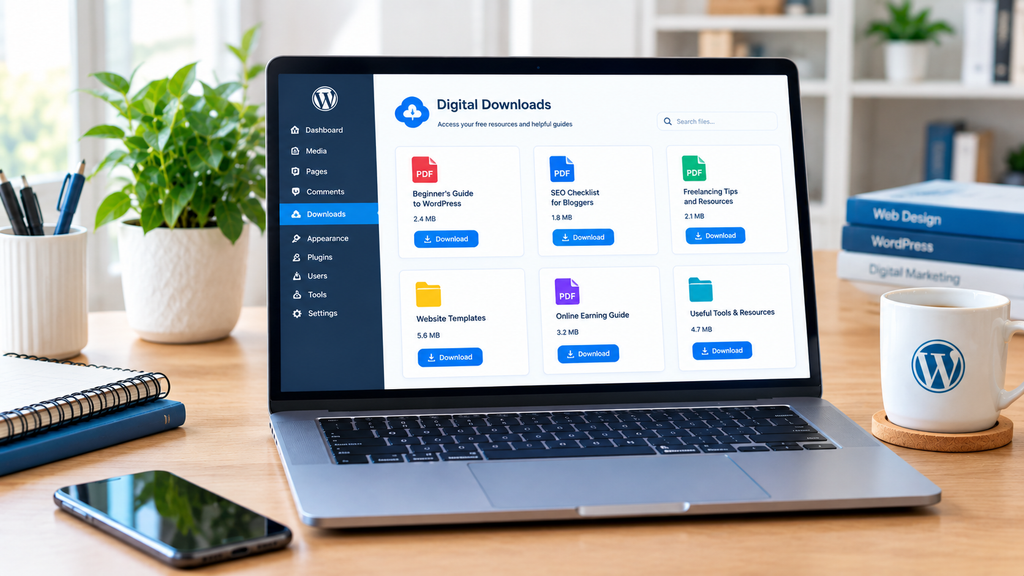
If your website offers downloadable files, Simple Download Monitor can help you manage downloadable content and monitor downloads.
This type of plugin can be useful for websites that provide PDFs, guides, templates, or other digital resources. WordPress.org currently lists Simple Download Monitor with 20,000+ active installations.
Best for: Managing downloadable files.
How Many WordPress Plugins Should Beginners Install?
Installing every plugin you find is not a good idea. A beginner should focus on the plugins that are actually needed for the website.
For example, an informational blog may need an SEO plugin, security solution, backup plugin, caching/performance tool, and contact form. An online store may need additional e-commerce tools.
Before installing a plugin, check whether it is actively maintained and compatible with your WordPress version.
Tips for Choosing Free WordPress Plugins Before installing a plugin, consider these simple tips:
- Check its active installations and reviews.
- Look at when it was last updated.
- Check whether it supports your WordPress version.
- Download plugins from trusted sources.
- Avoid pirated or nulled plugins.
- Install only plugins that your website actually needs.
- Keep your plugins updated.
The official WordPress plugin directory is a good starting point because it provides information about plugins, including active installations, ratings, and compatibility.
Conclusion
The best free WordPress plugins for beginners in 2026 depend on the purpose of your website. Elementor can help with design, Rank Math SEO with search optimization, LiteSpeed Cache with performance, UpdraftPlus with backups, and Wordfence with security.
You do not need dozens of plugins to build a successful website. Choose reliable tools that solve specific problems and keep them updated. With the right combination of plugins, beginners can create a more useful, secure, and user-friendly WordPress website.