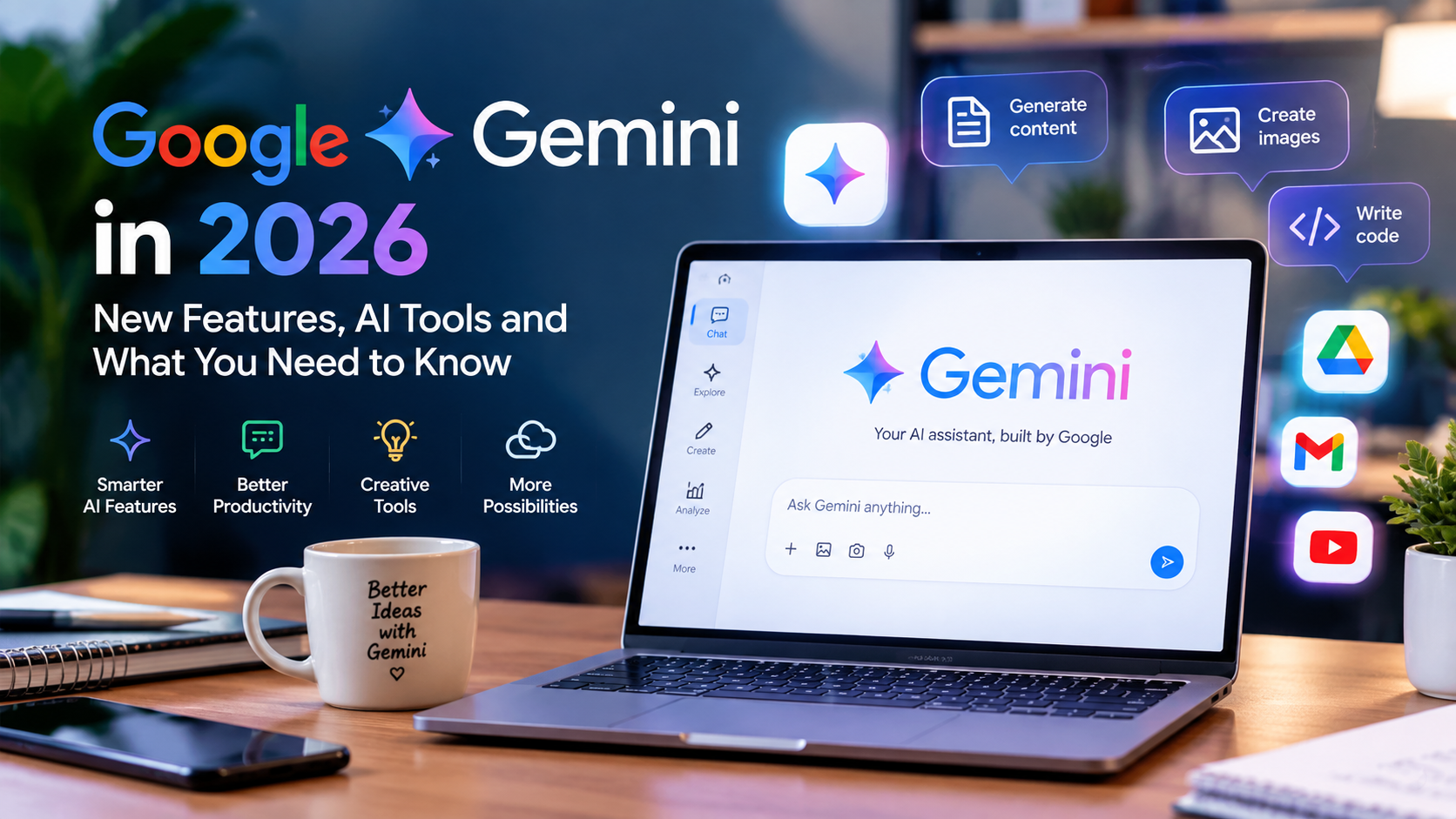
Google Gemini 2026 is becoming an important AI tool for everyday digital tasks, including writing, learning, research, planning, coding, and creative worK.BIt can help users write content, understand information, generate ideas, work with different types of media, and complete a variety of everyday tasks.
In 2026, Google has continued expanding the Gemini ecosystem with newer models and more advanced AI capabilities. Google introduced Gemini 3.5 and Gemini Omni at Google I/O 2026, while later updates added newer Gemini models and more powerful workflows.
For beginners, this can make Gemini seem complicated at first. However, you do not need advanced technical knowledge to start using it. This guide explains what Google Gemini is, its useful features, practical uses, and how beginners can get started.
What Is Google Gemini?
Google Gemini is Google’s family of artificial intelligence models and tools. It is designed to understand different types of information and help users with tasks such as writing, research, planning, coding, creative work, and more.Unlike a simple search engine, an AI assistant can respond to instructions and help users work through a task. Gemini has also become more connected with Google’s wider ecosystem, including tools and services used for productivity and research.
The Gemini ecosystem is also becoming more capable of handling multiple types of input. Google says Gemini Omni can work with combinations of text, images, audio, and video and can support creative editing through conversation.
What Can Google Gemini Do?
The usefulness of Gemini depends on how you ask it to perform a task. A clear and specific prompt usually produces a more useful response.
Here are some practical ways beginners can use Google Gemini in 2026.
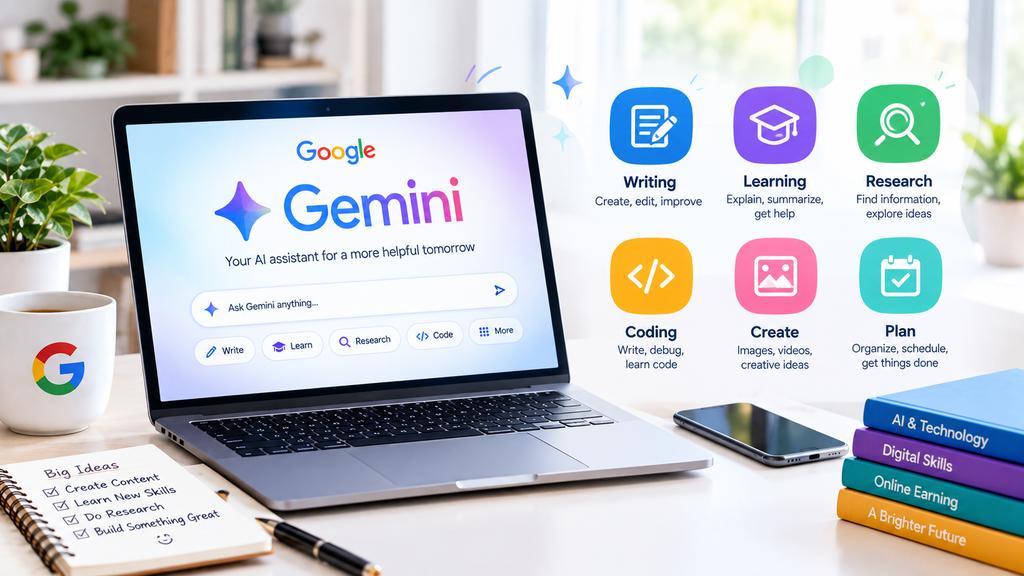
1. Create Content Ideas
If you are a blogger, student, social media creator, or beginner freelancer, Gemini can help you brainstorm ideas.
For example, you can ask it to suggest:
- Blog topic ideas
- Article headings
- Social media content ideas
- Video topics
- Questions for research
- Content calendars
Instead of asking only “Give me ideas,” provide your topic and audience. A specific request can produce more useful results.
2. Improve Your Writing
Gemini can help make writing clearer and easier to understand. You can provide your own draft and ask for grammar corrections, better sentence structure, or a simpler explanation.
Gemini can help make writing clearer and easier to understand. You can provide your own draft and ask for grammar corrections, better sentence structure, or a simpler explanation.
For example, a beginner can ask Gemini to explain a difficult paragraph in simple English.
However, it is better to review the result yourself instead of publishing AI-generated text without checking it.
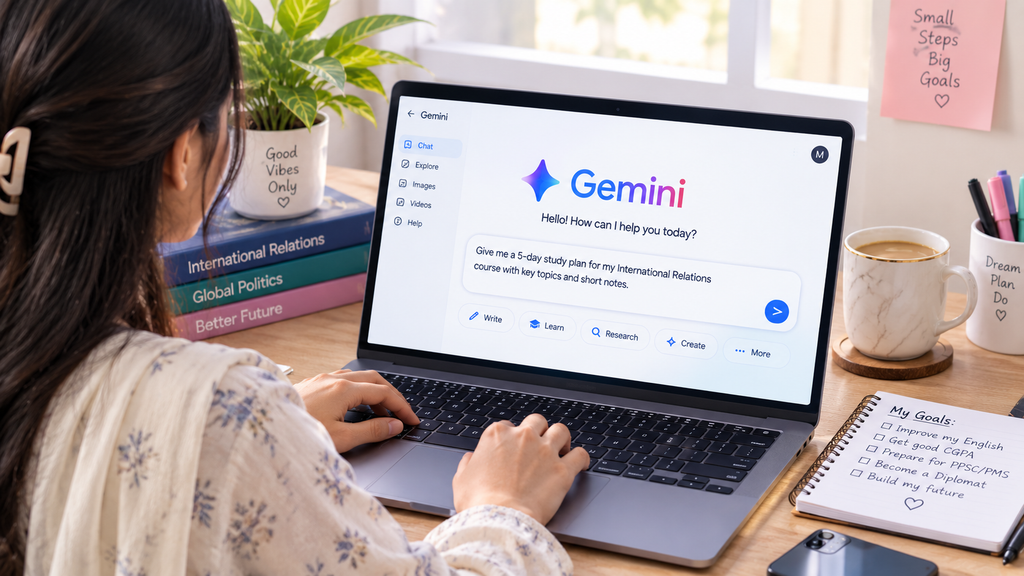
3. Help With Study and Learning
Students can use Gemini as a learning assistant. It can explain difficult concepts, create practice questions, summarize information, and help organize study topics.
For example, instead of simply asking for an answer, a student can ask:
“Explain this topic step by step in simple English and give me three practice questions.”
This approach can make AI more useful for learning because the goal is understanding rather than simply copying an answer.
4. Generate and Improve Creative Ideas
AI tools are increasingly being used for creative work. Gemini’s newer multimodal capabilities allow users to work with different forms of content.
Google’s 2026 Gemini updates include more advanced image and video creation and editing capabilities, including Gemini Omni.
Creators can use these capabilities for brainstorming visual concepts, developing content ideas, and experimenting with creative projects.
5. Summarize Information
Long information can sometimes be difficult to understand quickly. Gemini can help summarize content and identify important points.
For example, you can ask it to:
- Summarize a long passage
- Extract the main ideas
- Explain difficult terms
- Create bullet points
- Compare two ideas
When working with important information, always check the original source because AI responses can contain mistakes.
6. Help With Research
Gemini can be useful during the early stages of research. It can help you brainstorm research questions, organize ideas, identify important concepts, and create an initial outline.
Google has also added featuGoogle has also added features that connect Gemini with research and organization tools. For example, Gemini Notebooks can help users organize chats and files for larger projects.
For academic or professional work, however, important facts should still be verified using reliable original sources.
7. Work With Google Apps
One important advantage of the Google ecosystem is its connection with other productivity tools.
Google has introduced Gemini features for applications such as Docs, Sheets, Slides, and Drive. These features can help with writing documents, creating spreadsheets, designing presentations, and finding information across connected files and emails.
This can save time for users who already work with Google Workspace.
8. Help With Everyday Planning
Gemini can also be used for everyday organization. You can ask it to help create a basic schedule, plan a project, organize tasks, or develop a checklist.For example:
“Create a simple seven-day study plan for a beginner who has two hours available each day.”
The more information you provide, the more useful the result can become.
9. Get Help With Coding and Technical Tasks
Gemini is also useful for people learning programming. Google’s newer Gemini models are designed to support complex reasoning and coding tasks.
Beginners can use AI to understand programming concepts, explain error messages, review small pieces of code, and practice problem-solving.
However, users should understand the code rather than blindly copying it.
10. Automate Some Tasks
AI is moving beyond simple question-and-answer interactions. Google has described newer Gemini experiences as more “agentic,” meaning they can assist with multi-step tasks and actions.For example, Google’s 2026 updates describe Gemini capabilities for tasks across apps and automated activities in Chrome.
These features show how AI assistants are moving toward helping users complete workflows rather than simply providing information.
How to Use Google Gemini as a Beginner
Getting better results from Gemini does not require complicated technical skills. Start with a clear instruction.
A useful prompt can include four things:
Task + Context + Format + Goal
For example:
“Explain digital marketing to a beginner in simple English. Use five short points and include one practical example.”
This is much more specific than simply writing:
“Explain digital marketing.”You should also review AI responses, especially when the information involves education, money, health, legal matters, or other important decisions.
Benefits of Google Gemini
Google Gemini can be useful because it can:
- Save time on routine tasks
- Help generate ideas
- Support learning
- Improve writing
- Assist with research
- Help with creative projects
- Support coding
- Work with different types of information
- Connect with parts of Google’s wider ecosystem
Its growing range of capabilities makes it useful for students, creators, freelancers, professionals, and beginners exploring AI.
Limitations of Google Gemini
Although AI tools are powerful, they arre not perfect. Gemini can sometimes produce incorrect, incomplete, or outdated information.
Users should therefore avoid treating every AI response as automatically accurate. Important information should be checked against trustworthy sources.
AI should also be used as a tool for assistance, not as a replacement for personal judgment, learning, or original work For website owners, this is especially important. Google says its systems prioritize helpful, reliable, people-first content, and using generative AI to produce large amounts of pages without adding value can violate Google’s spam policies.
Is Google Gemini Useful for Beginners?
Yes. Beginners can start with simple tasks such as brainstorming, writing assistance, learning, summarization, planning, and creative experimentation.
You do not need to learn advanced AI concepts before using Gemini. Start with one task, write a clear prompt, review the response, and gradually learn which instructions produce better results.
Final Thoughts
Google Gemini in 2026 has developed into more than a basic chatbot. Google’s latest AI updates show a move toward more capable models, multimodal creation, connected productivity tools, and AI assistants that can help with multi-step tasks.
For beginners, the best approach is to start with practical tasks and learn through experimentation. Use Gemini to generate ideas, understand difficult topics, improve drafts, organize work, and explore creative possibilities.At the same time, always check important information and add your own judgment and experience. For website owners, creating useful, original, people-first content remains more important than simply using AI or adding keywords. Google’s current Search guidance continues to emphasize valuable content for users, including for AI-powered search experiences.