Introduction:
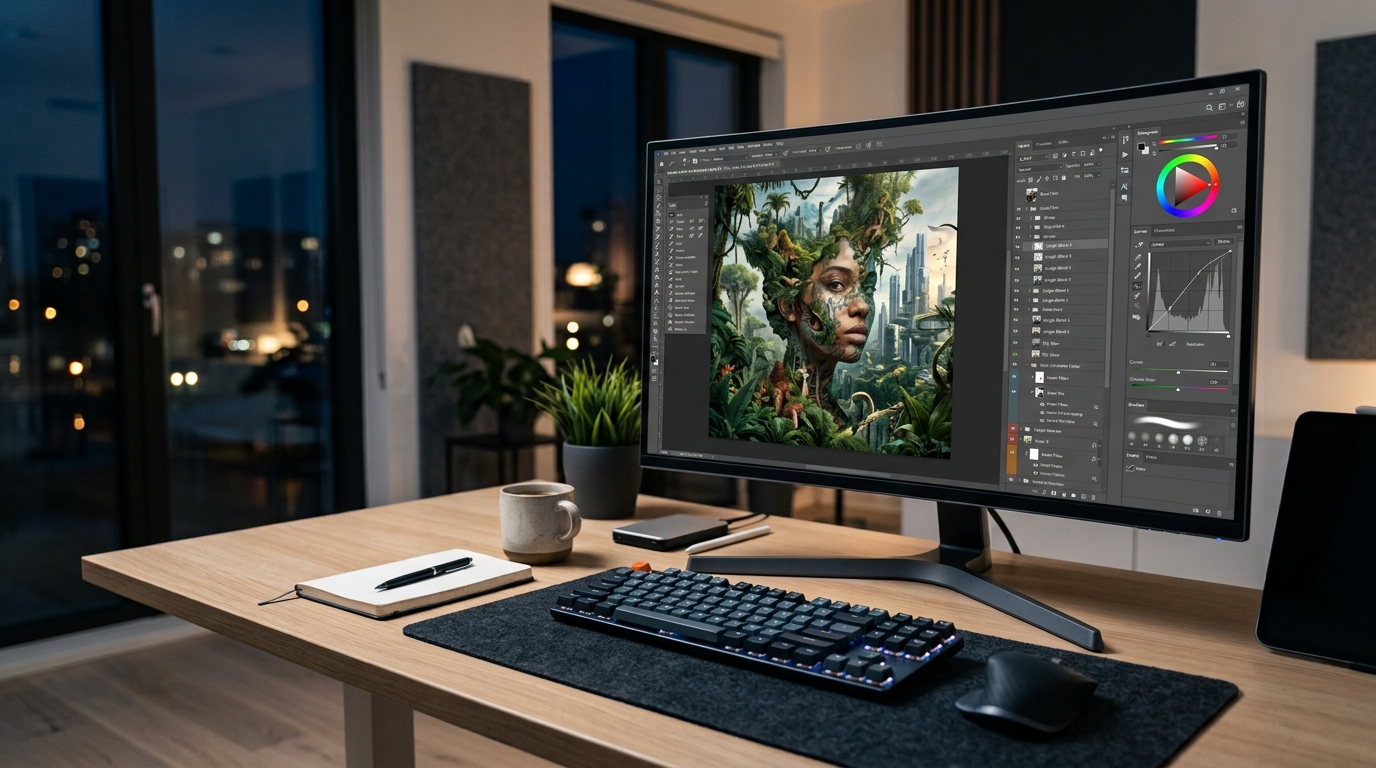
Adobe Photoshop for freelancers is a useful tool for photo editing and graphic design. It is widely used by designers, photographers, businesses, content creators, and freelancers for creating professional visual content. With its wide range of editing and design features, Photoshop can help freelancers create different types of projects for their clients.
For someone who wants to start freelancing in 2026, learning Photoshop can be a useful step. You do not have to become an expert in every feature. Instead, you can focus on a few practical skills and gradually improve with regular practice.
In this guide, we will look at some useful Adobe Photoshop skills for freelancers, the types of services beginners can offer, and simple ways to build a portfolio.
Why Learn Adobe Photoshop for Freelancing?
Freelance clients often need help with images and digital designs. For example, an online store may need its product photos cleaned up, while a small business may need social media graphics or promotional banners.
Photoshop can help freelancers handle these types of tasks. Adobe also provides learning resources covering areas such as photo editing, graphic design, retouching, compositing, and marketing layouts.
The important thing is to learn Photoshop with a purpose. Instead of trying to memorize every tool, choose a type of work you enjoy and practice the features that are useful for it.
1. Photo Editing and Retouching
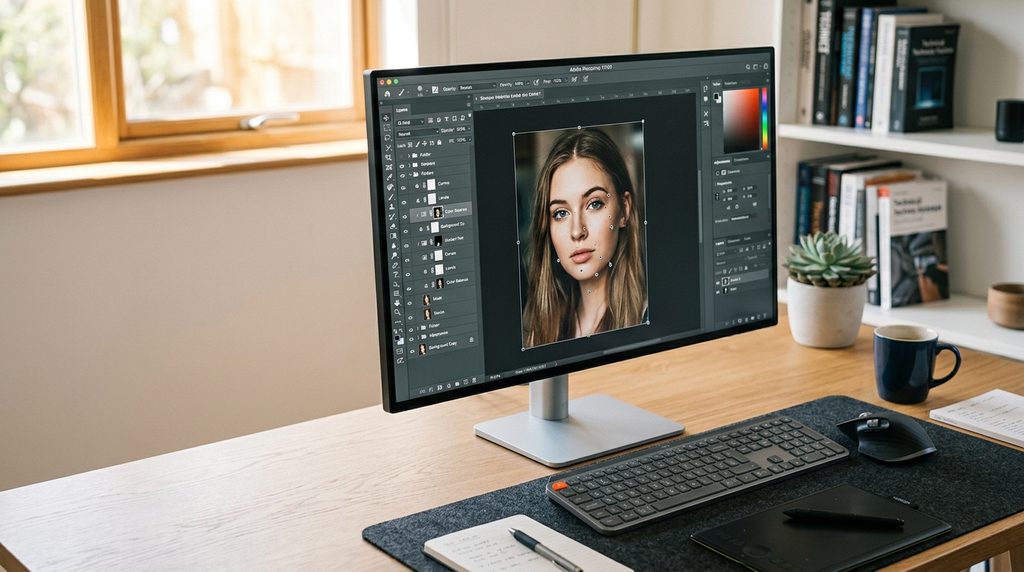
Photo editing is one of the most useful skills to learn first.
You can practice adjusting brightness, contrast, colors, sharpness, and other basic elements of an image. Retouching can also be used to make small improvements to photographs without making them look unnatural.
These skills can be useful for portraits, product photos, websites, advertisements, and social media content.
Start with simple edits and pay attention to the original quality of the image. Good editing should improve a picture without making it look over-processed.
2. Background Removal
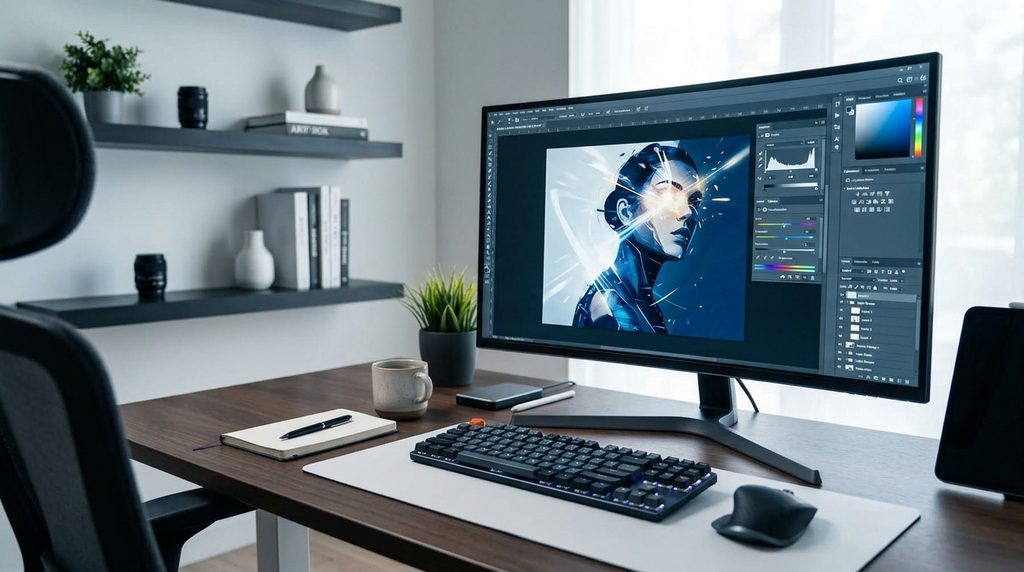
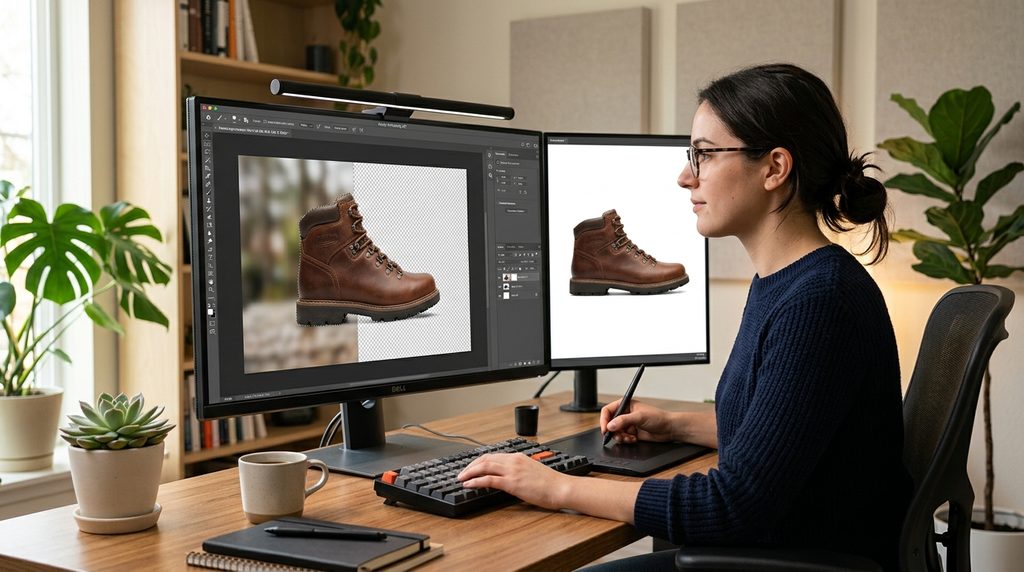
Removing a background is another practical Photoshop skill.
Businesses and online sellers often need product images with clean or plain backgrounds. A freelancer can remove the existing background and prepare the image for a website, catalogue, advertisement, or social media post.
Beginners can practice this skill using different types of images. Try working with products, people, objects, and images with more complicated edges.
Accuracy is important because rough edges can make an edited image look unprofessional.
3. Social Media Design
Social media has created a need for simple and attractive visual content.
Freelancers can use Photoshop to create posts, promotional graphics, sale announcements, banners, and other social media designs.
You do not need to fill a design with lots of colors, shapes, and effects. A clean layout with readable text and suitable images can often look much better.
While practicing, pay attention to font size, spacing, alignment, and the overall balance of the design.
4. Product Image Editing
Online stores depend on good product photographs. If a product image is dark, distracting, or poorly cropped, it may not present the product clearly.
Photoshop can be used to improve product images by adjusting lighting, removing unwanted elements, changing backgrounds, cropping images, and preparing different sizes.
This can become a useful service
for freelancers who want to work with small businesses and online sellers.
5. Photo Manipulation
Photo manipulation is a more creative area of Photoshop.
It involves combining different images or changing parts of a photograph to create a new visual. For example, you might replace a background, combine several elements, or create a completely different scene.
This skill requires patience because small details can affect the final result.
If you enjoy creative editing, photo manipulation can also give you interesting projects to include in your portfolio.
6. Typography and Text Design
Photoshop is not only about editing photographs. Understanding how to use text is also important.
Freelancers may need to create posters, advertisements, thumbnails, banners, or social media graphics that contain text.
Practice choosing readable fonts and placing text where it is easy to notice. Avoid using too many different fonts in one design.
Simple typography often makes a design look cleaner and more professional.
7. YouTube Thumbnail Design
YouTube thumbnails are another area where Photoshop skills can be useful.
A thumbnail needs to communicate the main idea quickly. It usually contains a clear image, short text, and a layout that remains easy to understand even when the thumbnail appears small.
Beginners can create sample thumbnails for different topics to practice their skills.
These samples can later become part of a portfolio when looking for freelance projects.
8. Advertising and Promotional Graphics
Businesses regularly create promotional material for their products and services.
With Photoshop, freelancers can work on digital advertisements, promotional banners, special-offer graphics, and other marketing visuals.
The main goal is to make the message clear. A design should help the viewer understand what is being promoted without making them search through too many visual elements.
This is why learning basic design principles along with Photoshop can be helpful.
9. Learn Modern Photoshop Features
Photoshop continues to change as new technology becomes part of creative work. Recent versions include AI-assisted features that can help with certain editing tasks.
These features can save time, but they should not replace basic Photoshop knowledge.
A freelancer still needs to understand image composition, layers, selections, masks, colors, and other fundamentals. Knowing the basics makes it easier to check the result and make corrections when necessary.
10. Build a Photoshop Portfolio
Learning Photoshop is only the beginning. If you want to offer your skills as a freelancer, you also need examples of your work.
You do not have to wait for a real client before creating a portfolio.
For example, you could prepare:
- Three social media designs
- Three edited photographs
- Two product-image samples
- Three YouTube thumbnails
- Two promotional banners
- One photo-manipulation project
Try to make each sample different so that your portfolio shows more than one ability.
Your portfolio does not need to contain dozens of projects. A few clean and well-finished examples can give people a better idea of what you can do.
Where Can You Offer Photoshop Services?
Once you have developed your skills and prepared some samples, you can look for freelance opportunities.
Possible services include:
- Photo editing
- Background removal
- Product photo editing
- Thumbnail design
- Social media graphics
- Banner design
- Photo retouching
- Image manipulation
Freelance platforms also contain projects related to Photoshop and graphic design. However, beginners should read project requirements carefully and only accept work they can complete properly.
You can also look for small businesses, content creators, online stores, and other clients who need regular visual content.
How Beginners Can Start Learning Photoshop
If you are completely new, do not try to learn everything in one day.
Start with the Photoshop interface and basic tools. Then learn layers, selections, masks, cropping, resizing, text tools, and basic image adjustments.
After that, choose one area such as photo editing or social media design and practice it regularly.
Free tutorials and official learning resources can help you understand individual tools. The most important part, however, is practice.
For example, after learning background removal, edit several different images instead of immediately moving on to another tutorial.
This gives you practical experience and helps you understand how the tool works in different situations.
Common Mistakes New Photoshop Freelancers Make
Many beginners focus too much on learning software and not enough on the quality of their final work.
Some common mistakes include:
- Using too many effects
- Choosing difficult-to-read fonts
- Making images look overly edited
- Copying another designer’s work
- Ignoring image quality
- Not following client instructions
- Accepting projects without the required skills
- Starting freelancing without preparing samples
Take time to improve your work before offering a service. It is better to provide one service well than to advertise ten services you are not ready to handle.
Final Thoughts
Adobe Photoshop can be a useful skill for freelancers in 2026, especially for people interested in graphic design, photo editing, social media content, and digital marketing.
You do not need to master every Photoshop feature before starting. Choose one practical skill, practice it regularly, and create a few original projects for your portfolio.
As your confidence grows, you can learn more advanced techniques and explore newer Photoshop features, including AI-assisted editing.
Freelancing is not only about knowing a software program. Good communication, understanding client requirements, meeting deadlines, and delivering quality work are equally important.
Start small, keep practicing, and focus on creating work that solves a real problem for the client.
Frequently Asked Questions
Is Adobe Photoshop useful for freelancers in 2026?
Yes. Photoshop can be useful for freelancers who offer services such as photo editing, social media design, thumbnail creation, product image editing, and other visual work.
Can a beginner learn Photoshop for freelancing?
Yes. A beginner can start with basic tools and gradually move toward more advanced techniques. Regular practice is more useful than trying to learn everything at once.
Which Photoshop skills should beginners learn first?
Photo editing, background removal, cropping, resizing, basic retouching, and simple graphic design are good areas to start with.
Can I earn money with Photoshop skills?
Photoshop skills can be used to offer freelance services. However, earnings are not guaranteed and can vary depending on your skills, experience, services, clients, and workload.
How long does it take to learn Photoshop?
There is no fixed learning period. Basic tools can be learned relatively quickly with regular practice, while advanced editing and professional design take more time.
Do I need graphic design experience to learn Photoshop?
No. You can learn Photoshop as a beginner. However, learning basic design concepts such as colors, spacing, typography, and composition can improve your work.
What services can a beginner offer with Photoshop?
Beginners can start with services such as simple photo editing, background removal, basic social media designs, product image editing, and thumbnail creation.
Do I need a portfolio for Photoshop freelancing?
A portfolio is very helpful. You can create practice projects yourself and use your best original designs as samples before getting your first client.
Can Photoshop be used with AI?
Yes. Modern Photoshop versions include AI-assisted features for certain editing tasks. However, understanding the basic tools is still important so that you can review and improve the final result.
Is Photoshop enough to become a freelancer?
Photoshop is one skill that can support freelance work, but successful freelancing also requires communication, time management, understanding client requirements, and elivering work on time.