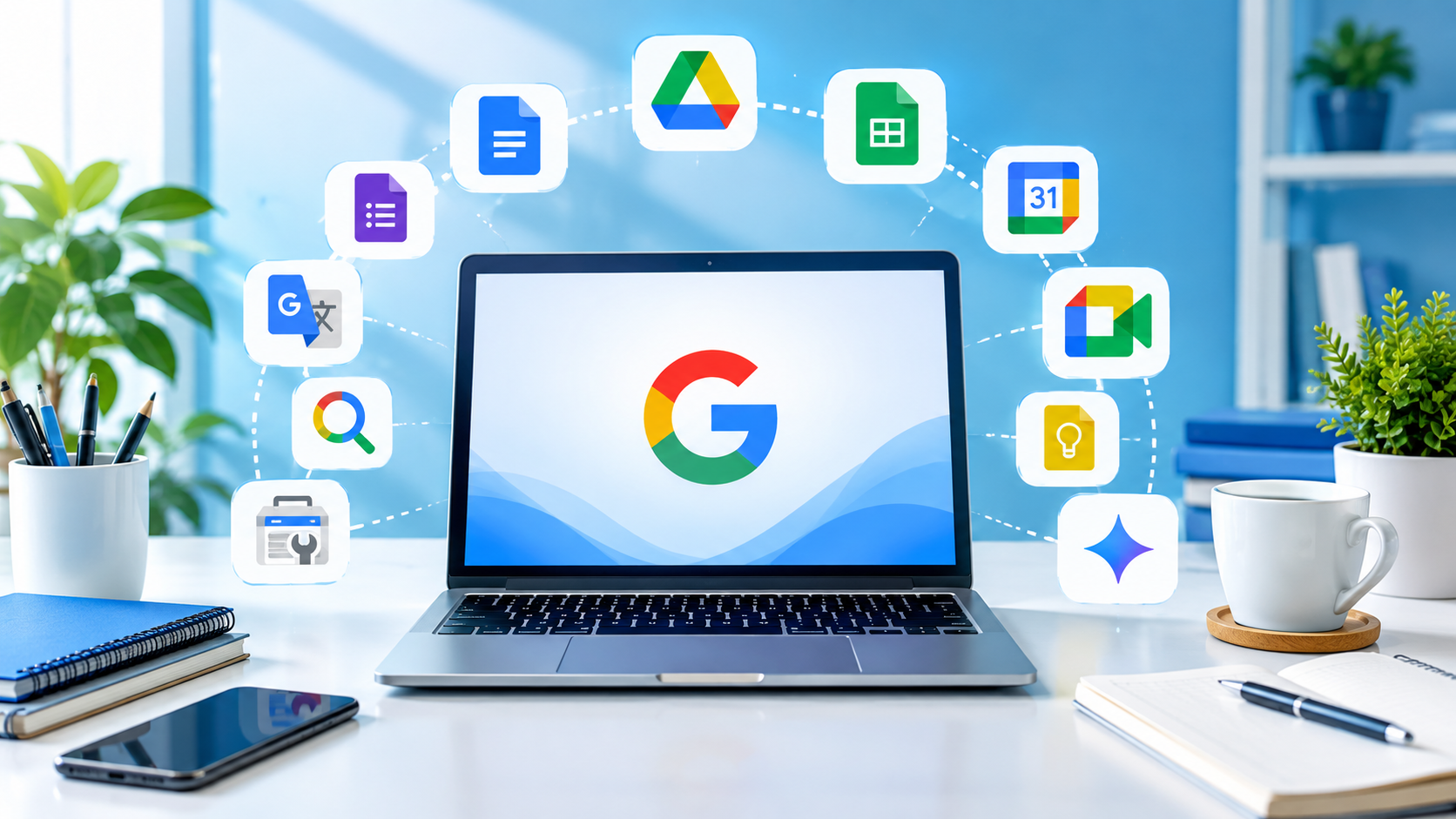
In today’s digital world, many useful tools are available online, but not all of them are easy to use or affordable. Google offers many free tools that can help students, beginners, freelancers, and online workers in their daily tasks. These tools can be used for studying, writing, communication, file management, planning, and even website performance.
You do not need advanced technical skills to use most of these tools. With a Google account and an internet connection, you can access many useful features for free. In this article, we will discuss 10 free Google tools that can make your digital work easier in 2026.
1. Google Drive
Google Drive is a free cloud storage service that allows users to save files online. You can store documents, images, videos, PDFs, and other important files.
One major benefit of Google Drive is that you can access your files from different devices. You can also share files with other people without sending large attachments.
For students and online workers, Google Drive is useful for keeping assignments, projects, and work files organized.
2. Google Docs
Google Docs is an online writing tool that works similar to Microsoft Word. You can create and edit documents directly in your browser.
Several people can edit and work on the same document at the same time. This feature is helpful for students working on group assignments or teams working on online projects.
Another useful feature is automatic saving, so your work is usually saved while you are writing.
3. Google Sheets
Google Sheets is a free online spreadsheet tool. It can be used to organize information, create lists, calculate numbers, and manage simple data.
Students can use it for study schedules and project information, while freelancers can use it to track clients, tasks, and payments.
Google Sheets also supports formulas and different types of charts, making it useful for basic data management.
4. Google Forms
Google Forms makes it easy to create online forms and surveys. You can use it to collect information from other people.
For example, students can create a survey for a research project. Small businesses can also use Google Forms to collect customer feedback or contact information.
The responses are automatically collected and can also be connected with Google Sheets for easier management.
5. Google Meet
Google Meet is an online video meeting tool that can be useful for classes, meetings, interviews, and discussions.
Instead of meeting physically, people can communicate through video calls from different locations. This makes it useful for students, teachers, freelancers, and remote workers.
A stable internet connection is important for a smooth video meeting.
6. Google Calendar
Google Calendar helps users organize their time and remember important activities. You can create events, meetings, deadlines, and reminders.
Students can use it to plan study sessions and assignment deadlines. Freelancers can use it to manage client meetings and work schedules.
Using a digital calendar can make it easier to understand what needs to be done during the day or week.

7. Google Keep
Google Keep is a simple note-taking tool for saving quick ideas, reminders, lists, and important information.
For instance, when a new article idea comes to your mind, you can quickly note it in Google Keep so you do not forget it later
You can also create checklists for daily tasks, shopping, study activities, or work projects.
8. Google Translate
Google Translate helps users understand and communicate in different languages. It can translate words, sentences, and larger pieces of text into many languages.
Students can use it to understand difficult words while learning. People who work with international clients can also use it for basic communication.
However, automatic translations may not always be perfect, so important professional or academic translations should be checked carefully.
9. Google Gemini
Google Gemini is an AI tool that can help users with different types of tasks, such as generating ideas, explaining topics, summarizing information, and helping with writing.
Students can use AI tools to understand difficult concepts, while beginners can use them for brainstorming and learning.
However, users should avoid copying AI-generated content without checking and editing it first. It is better to check important facts and use AI as a learning and productivity tool.
10. Google Search Console
Google Search Console is especially useful for website owners and bloggers. It helps website owners understand how their websites appear in Google Search.
You can use it to monitor search performance, see which search queries bring visitors, and identify certain website issues.
For bloggers and people running websites, learning the basics of Google Search Console can help them understand their website’s search visibility.

Why Should You Use Free Google Tools?
The main advantage of these tools is that they can help you complete everyday digital tasks without buying expensive software.
A student can use Google Docs for assignments, Drive for storing files, Calendar for planning, and Meet for online classes. A freelancer can use Sheets for tracking work, Meet for client meetings, and Drive for sharing files.
These tools can also help beginners develop basic digital skills. Such skills are useful for online learning, freelancing, remote work, blogging, and many other digital activities.
Final Thoughts
Google offers many free tools that can make studying, working, planning, and communication easier. Tools such as Google Drive, Docs, Sheets, Forms, Meet, Calendar, Keep, Translate, Gemini, and Search Console each have different purposes.
There is no need to learn all these tools at the same time. Start with the tools that match your current needs and gradually explore more features. Learning these simple digital tools can be a useful step toward becoming more confident in the online world.